

If the policy has not arrived on WhatsApp
Check incoming WhatsApp messages and archived chats on the number you provided when applying. Make sure the phone number was entered correctly.
If there is no policy message, contact STRAHOVKA24 support. Provide the vehicle registration number and the phone number used in the application. If you have paid, attach the receipt or a screenshot of the payment so we can check the policy status.
Contact support before trying again
Describe the issue and supply the registration number, contact used and payment confirmation to STRAHOVKA24 support. Avoid making a second payment until the first transaction has been checked.
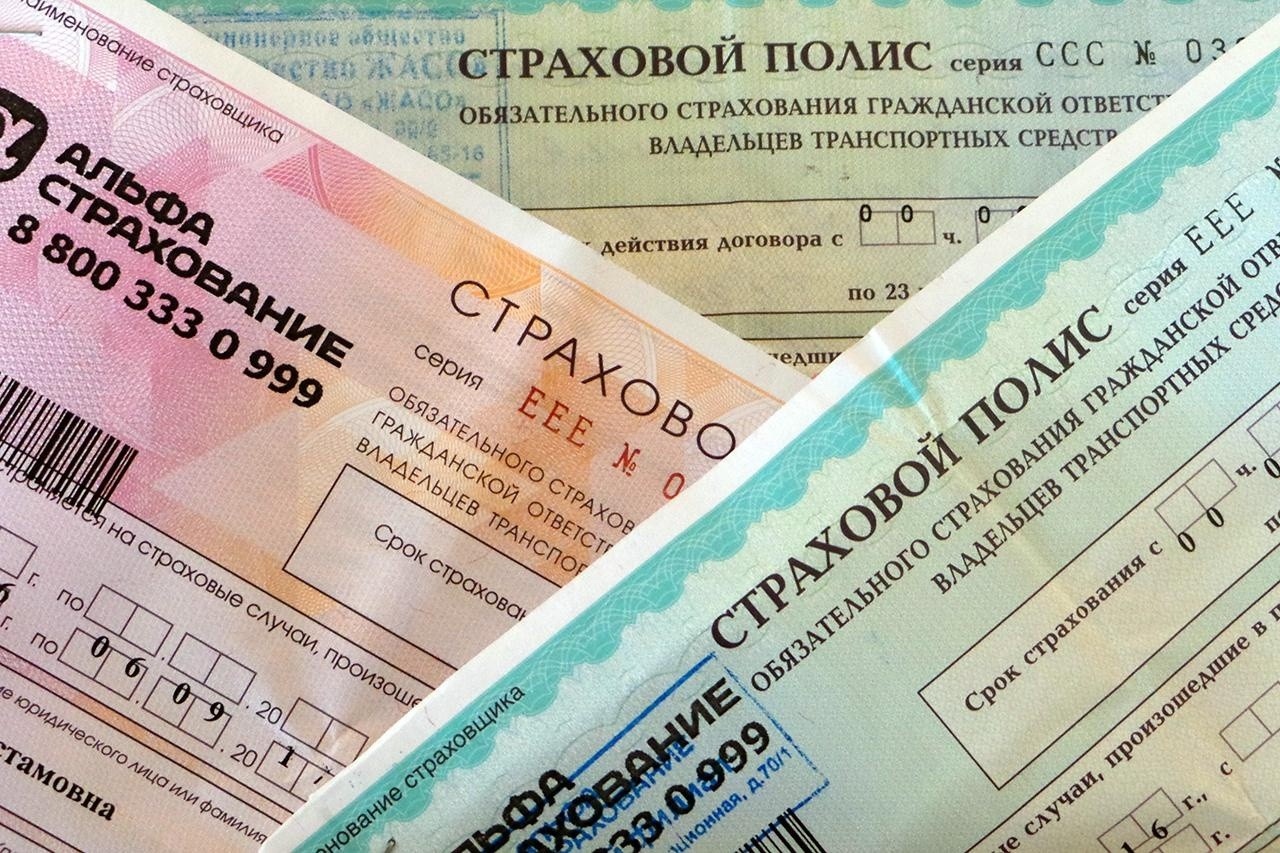
If a detail is wrong
Compare the plate, owner, VIN, drivers and dates with the original documents. Ask the insurer or support about an official correction or reissue. Editing the document on your phone will not update the actual policy.
Driver questions
Frequently asked questions
Should I pay a second time if no message arrived?+
First check payment status and contact support with your receipt.
Can I correct the plate in the PDF?+
No. Only an official correction or reissue changes the contract data.